<img height="1" width="1" style="display:none" src="https://www.facebook.com/tr?id=1619099918640294&amp;ev=PageView&amp;noscript=1">

Remote work changed.

Your duty of care didn’t.

SafetyAware Telework helps organizations protect remote employees with automated check-ins, real-time escalation, and audit-ready proof of care. 

Everyday risks do not stop at the home office.

Teleworkers may be away from the office, but they are not removed from everyday safety risks.

When something affects their wellbeing during the workday, employers need more than assumptions or informal follow-ups. They need a clear process to help workers request support, identify missed check-ins, and respond when action is needed.

Sudden medical emergency

A heart attack, stroke, seizure, fainting spell, or severe allergic reaction can put a teleworker’s health at immediate risk. 

 Serious fall or injury 

A fall, head injury, fracture, or similar incident can leave a teleworker hurt, disoriented, or needing urgent support.


 Fire or home emergency 

A fire, electrical shock, evacuation, or urgent home hazard can quickly turn a normal workday into a safety emergency.


 Violence or security threat 

An intruder, domestic violence incident, or threatening situation can put one's personal safety at risk.


 Mental health crisis 

Severe distress, panic, or crisis can leave someone needing urgent support during the workday.

Extreme weather or environmental emergency 

Flooding, power loss, severe weather, or unsafe local conditions can threaten a person’s safety and wellbeing.

telework gif

A Smarter Way to Manage Remote Worker Risk 

Remote and hybrid work are now permanent, but most safety systems haven’t caught up.

Employers are still responsible for the health and safety of workers operating alone or from home. Across Canada, regulations increasingly require structured communication, check-ins, and emergency response procedures.

SafetyAware Telework bridges that gap by turning policies into daily, trackable action.

From First Check-In to Emergency Response

Telework is designed to support the full lifecycle of remote worker safety:

Start-of-Day Verification
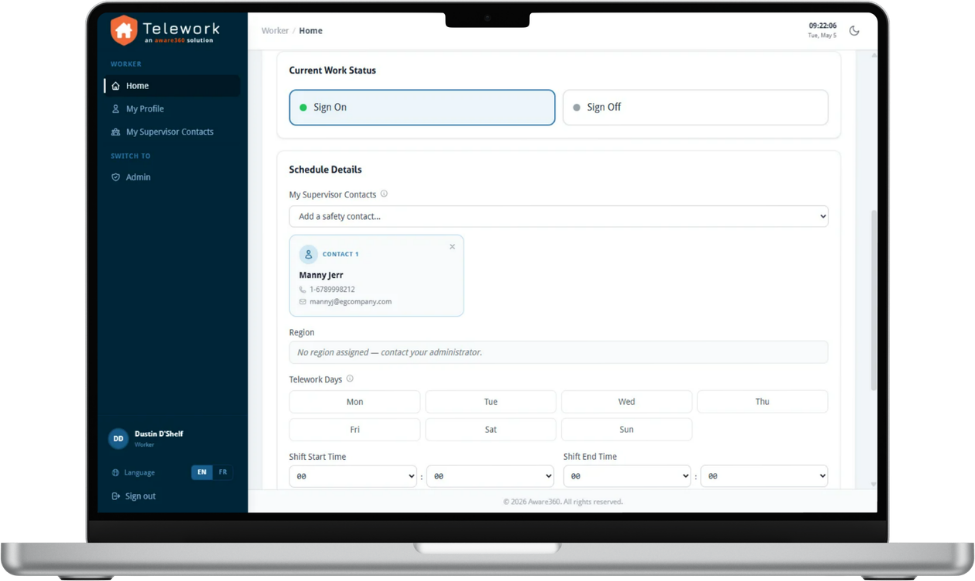
Telework screenshots start of day

Telework screenshots start of day

Confirm employees have started work safely

Ongoing Safety Checks (optional)
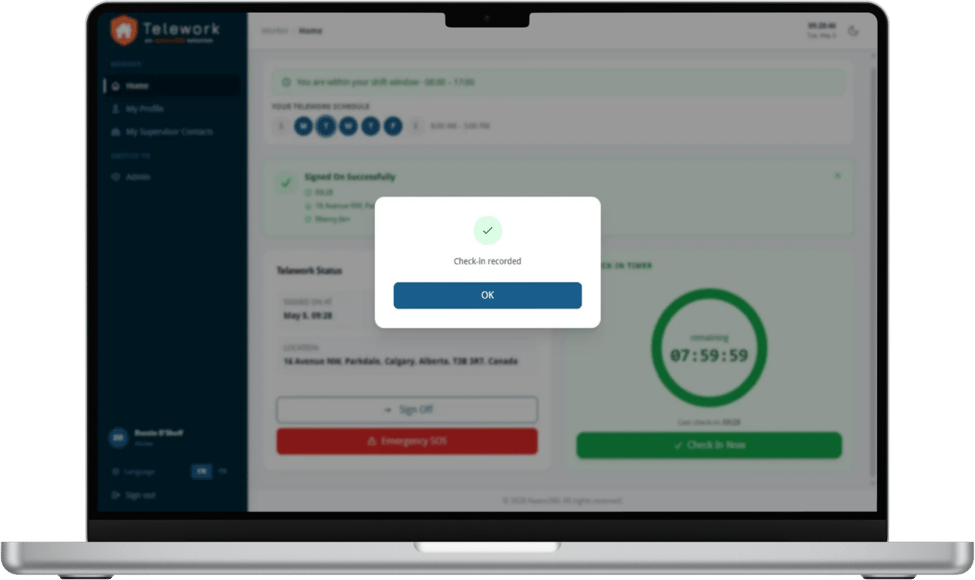
Telework screenshots check in

 Schedule check-ins to confirm workers remain safe

Escalation Workflows
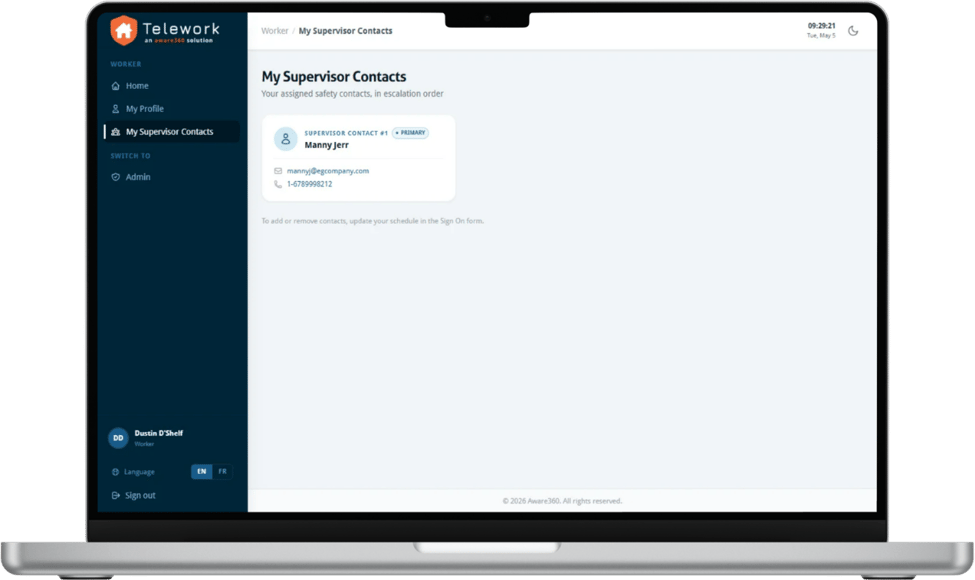
Telework screenshots escalation contacts

 Notify the right contacts when check-ins are missed

SOS Emergency Alerts (optional)
product_features04

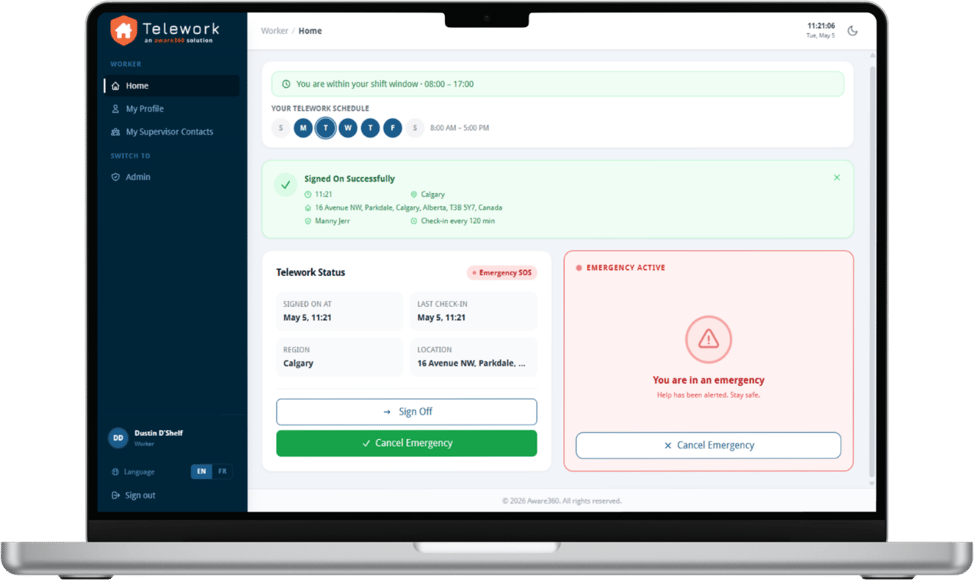
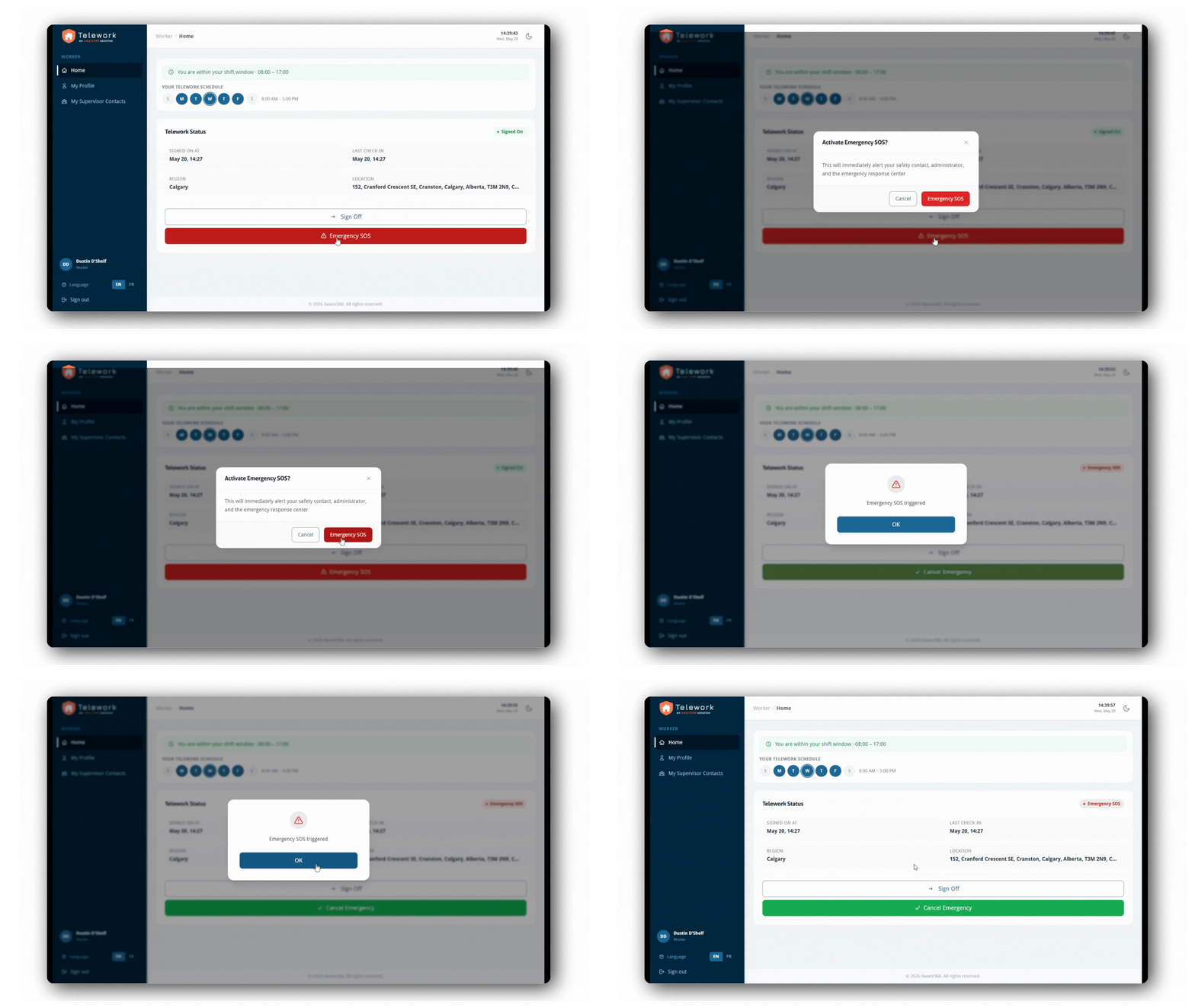
Telework screenshots SOS screen

 Enable workers to request urgent help when needed

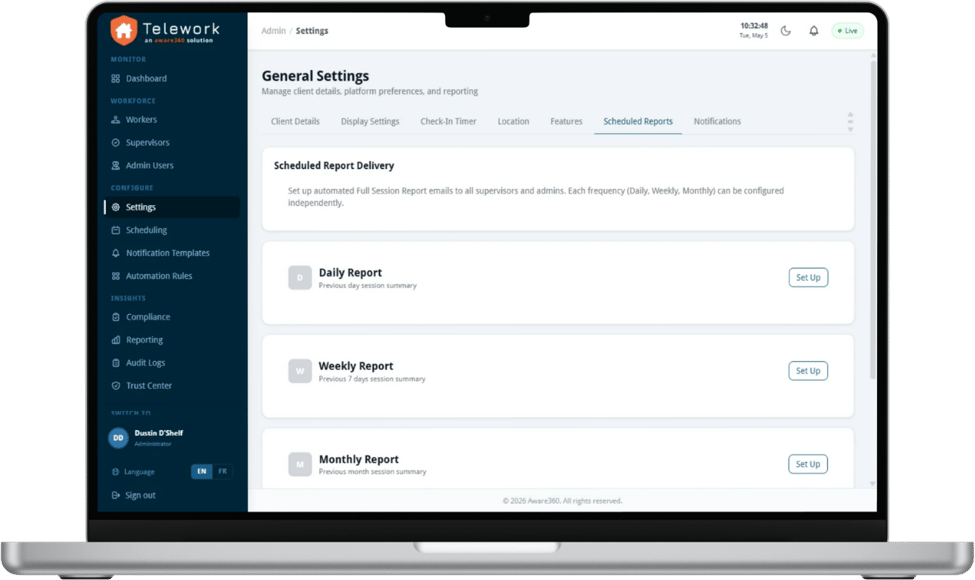
Audit & Reporting
product_features04

Telework screenshots audit

 Document check-ins, alerts, escalations, and response activity
Telework screenshots start of day

Telework screenshots start of day

Confirm employees have started work safely

Telework screenshots check in

 Schedule check-ins to confirm workers remain safe

Telework screenshots escalation contacts

 Notify the right contacts when check-ins are missed

product_features04

Telework screenshots SOS screen

 Enable workers to request urgent help when needed

product_features04

Telework screenshots audit

 Document check-ins, alerts, escalations, and response activity

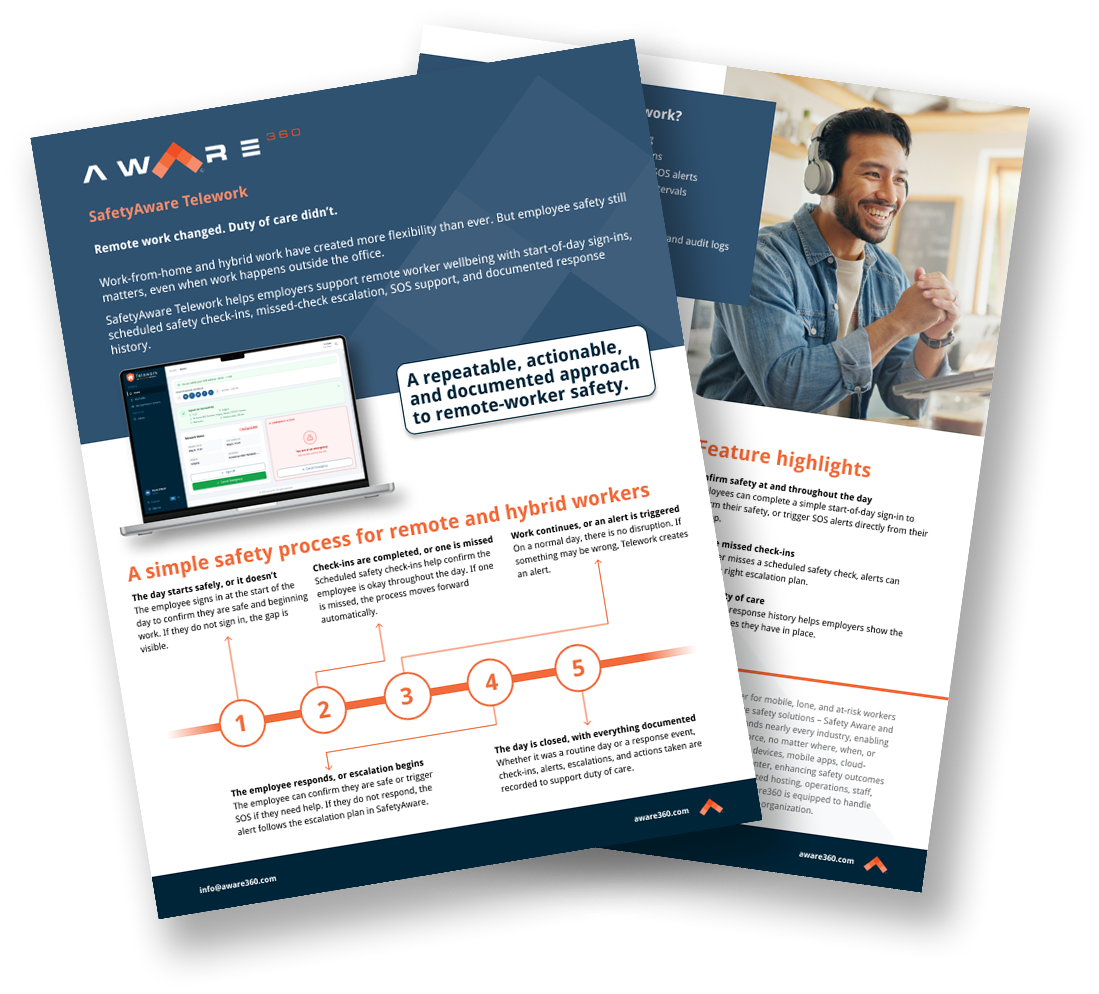
Want to learn more?

Download the brochure to learn how SafetyAware Telework helps employers protect remote and hybrid workers with check-ins, alerts, SOS, and documented response.

Group 20660

What our customers are saying

“We were concerned that if someone was in a vehicle accident, we might not know for hours. Now, if an accident or emergency were to occur, we would find out. We can use employees as resources to help each other, and let them know the situation to make sure they can evacuate safely.”

“This is a step up in our safety –someone is always there. Aware360 has been very responsive and willing to help whenever we need it. It’s great service.”

Meet with our experts and learn how we can support your organization’s safety culture

If you’re already a customer and want to submit a ticketclick here.

Group 1 (3)